Cross-border calling workflow
Manage supported business calling workflows for teams across locations; destinations and rates must be confirmed.
OfficeSpaces Phone gives distributed teams one virtual phone system dashboard for business calling, contacts, messaging, voicemail, schedules, routing and account workflows, with mobile access through its Android app.
Explore the interface below, then confirm location support, number eligibility, rates and regulatory requirements for your use case.
Use the global virtual phone system dashboard to coordinate communication across offices and time zones. Calling destinations, number availability, messaging eligibility and rates depend on location and use case.
Manage supported business calling workflows for teams across locations; destinations and rates must be confirmed.
Give distributed staff a shared view of contacts and incoming, outgoing and missed-call activity.
Open conversations and manage eligible messaging workflows from the same workspace.
Review voicemail and access fax tools from the communications workspace.
Configure greeting, language, screening and routing-related options for supported workflows.
Access video conferencing, services, bookings and calendar areas for distributed teams.
Review A2P registration, emergency calling, billing and profile settings; requirements vary by location.
Give eligible team members mobile access through the published OfficeSpaces Phone Android app.
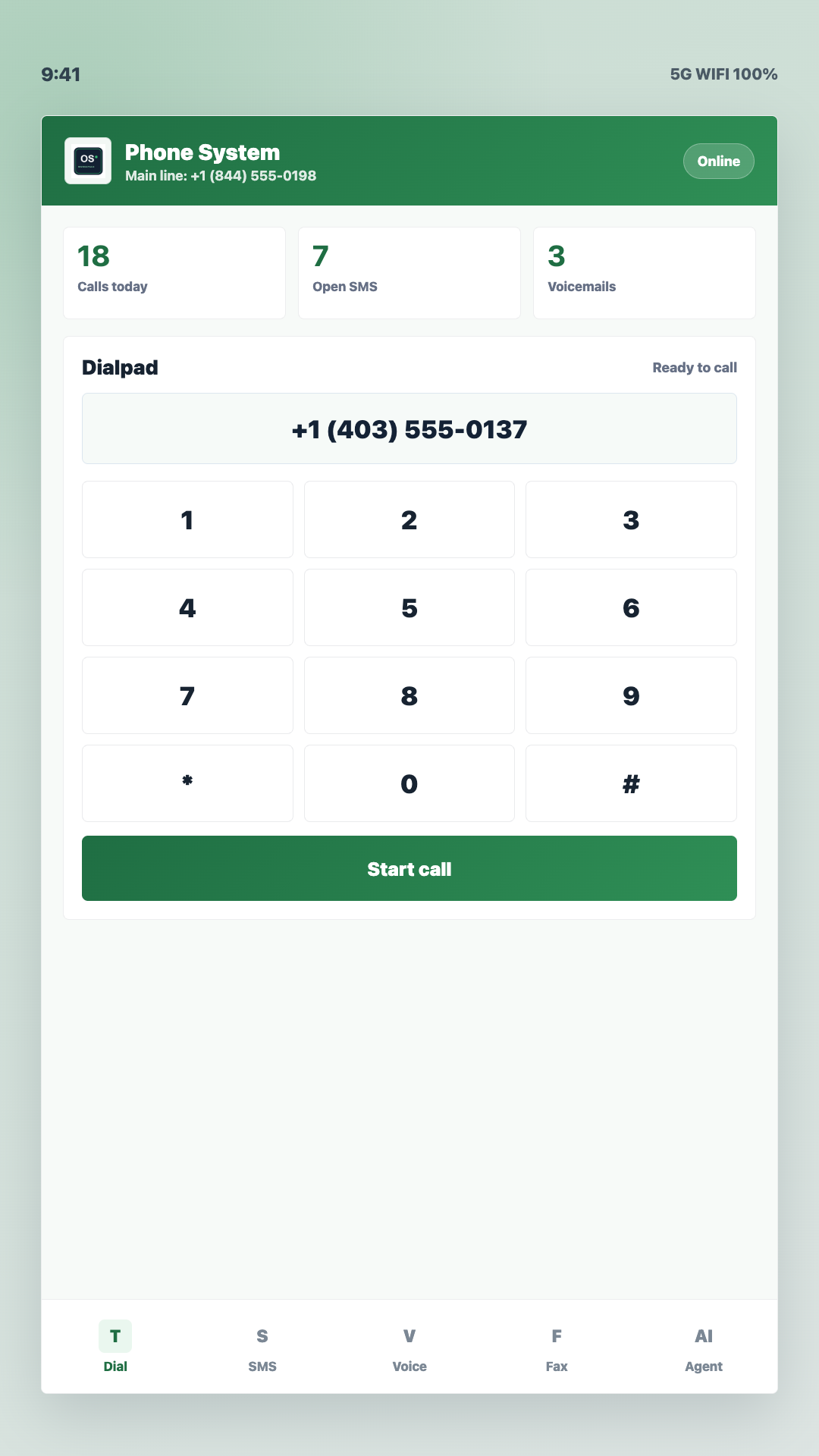
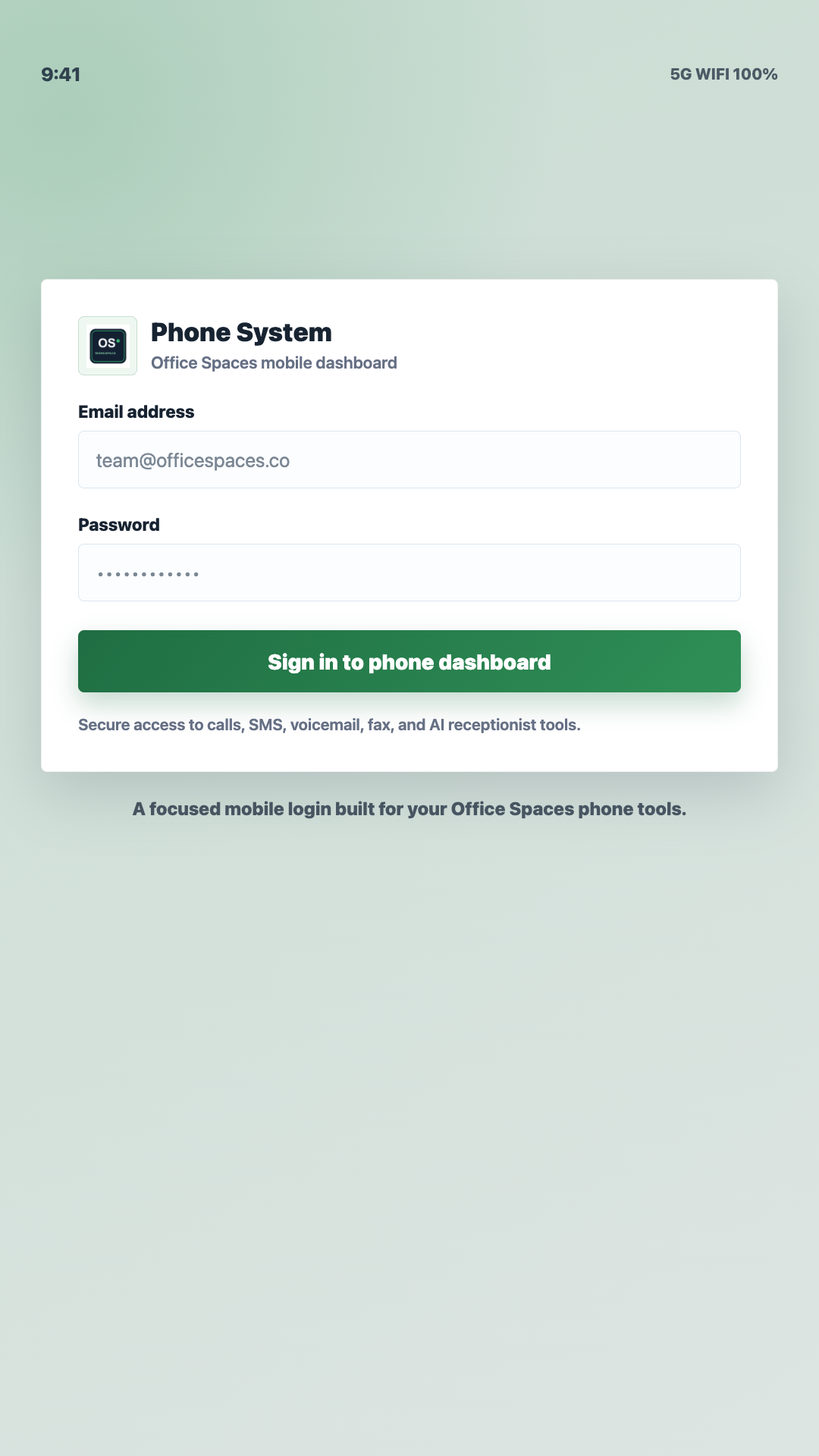
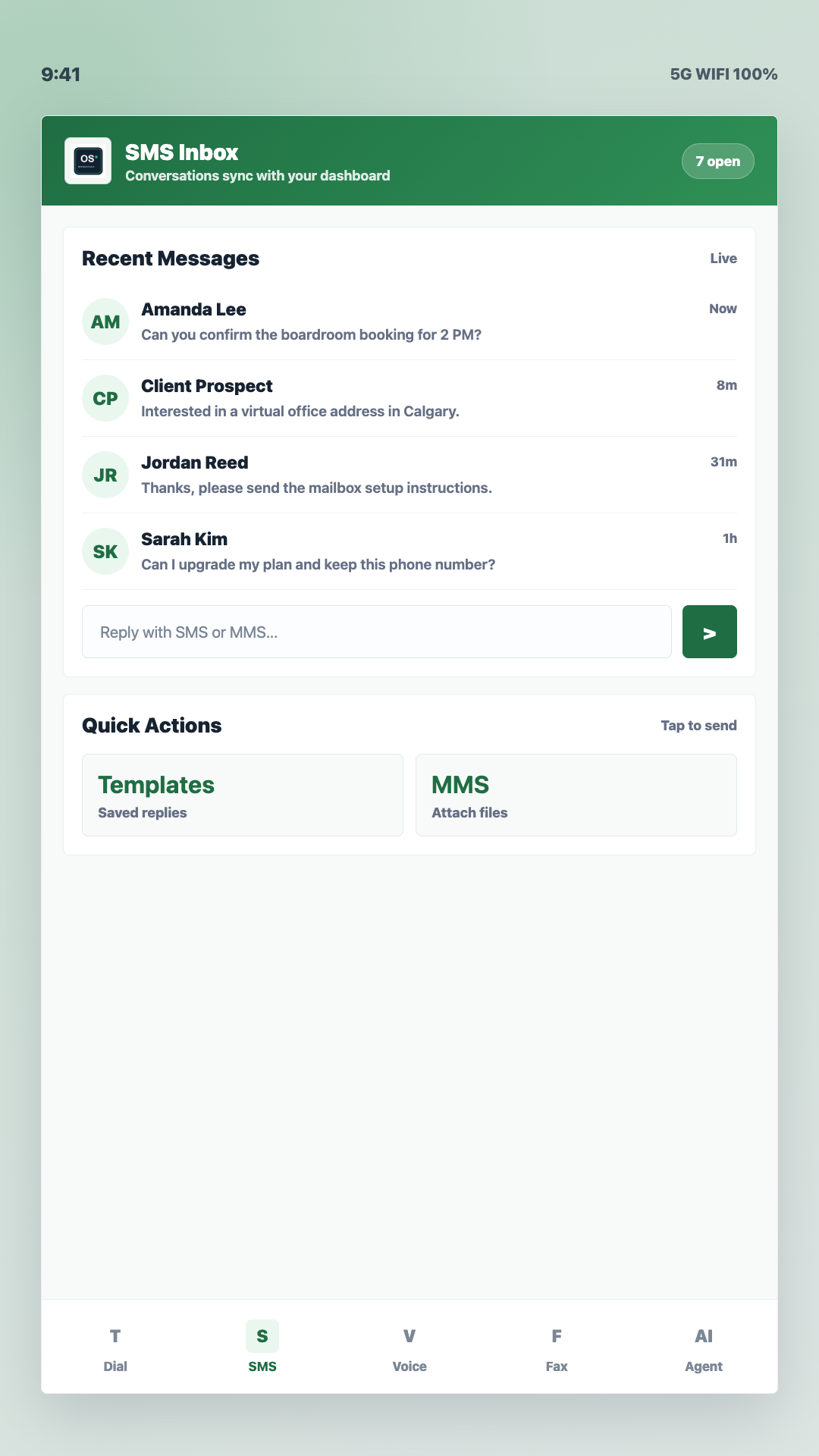
Select a real product screen to preview the Android experience. Each step includes a written explanation, so the tour remains useful without relying on the image alone.


These videos introduce the broader OfficeSpaces platform and brand. The interactive screenshots above are the phone-specific product demonstration.
A concise visual introduction to the broader OfficeSpaces platform. It provides product context and is not a step-by-step phone tutorial.
An introduction to the OfficeSpaces brand and connected business platform. Use the screenshot tour for a closer look at phone workflows.
Use the larger web workspace for distributed-team administration, then give eligible staff mobile access through the published business phone Android app.
| Use context | Web dashboard | Android app |
|---|---|---|
| Best suited to | Administration, routing, schedules, account controls and detailed history across team locations. | Mobile access for eligible distributed staff through the published OfficeSpaces Phone app. |
| Interface | Sidebar navigation, wider tables, time-zone schedules, settings and account areas. | Touch-oriented sign-in, dialpad, messaging, voicemail and mobile navigation screens. |
| Working style | Coordinate supported phone workflows and review activity from a computer. | Access supported phone tools away from the desktop; compatibility and Play availability can vary. |
Build the workflow around your locations and operating hours. Number availability, international calling destinations and rates, messaging eligibility, app availability and regulatory requirements vary by location and use case and must be confirmed before purchase.
Start with one OfficeSpaces account for the business.
Verify the required country or region, number eligibility, destinations and rates.
Configure team members, business hours and relevant time zones.
Configure routing, then test calls and eligible messaging workflows.
Give eligible team members mobile access on compatible Android devices.
A Basic International Telecommunications Services (BITS) licence is required for providers carrying telecommunications traffic internationally.
CRTC registration does not constitute endorsement of OfficeSpaces or guarantee service availability or quality.
Conservative answers about distributed teams, location support, number eligibility, rates and compliance.
The dashboard brings together calling, business numbers, contacts and call history, SMS and MMS, fax, voicemail, AI receptionist controls, video conferencing, appointments, compliance and account areas.
No. The dashboard illustrations use fictional information, and the Android screenshots show the product interface without exposing customer data.
The dashboard is designed to help teams manage phone workflows across offices and time zones. Confirm supported locations, calling destinations, rates and account eligibility for your specific use case before purchase.
No universal availability is promised. Number inventory, portability and eligibility vary by country, region, carrier and intended use, so confirm the required locations with OfficeSpaces before setup.
The dashboard includes business-hour and routing controls. Distributed teams should configure schedules and routing for their operating locations, then test how calls are handled in each relevant time zone.
OfficeSpaces Phone is published on Google Play for compatible Android devices. App availability and compatibility can vary by device and Google Play region.
Messaging eligibility and requirements vary by destination, number type and use case. The dashboard includes an A2P Registration area, but customers should confirm applicable registration and regulatory requirements before sending business messages.
Create an account, confirm supported locations, number eligibility, calling rates and messaging requirements, configure team schedules and routing, test calls and messages, and install the Android app for eligible team members.
Start your account or review plans and features, then confirm supported locations, eligibility and rates before purchase.