OfficeSpaces business phone

Your business number.
A phone on your desk.

SIP desk phones connect to your OfficeSpaces business phone account over the internet. Take calls from a dedicated handset, with your business number and account routing in one place.

Equipment sold separately from phone service.
Administrator activation is required for calling.

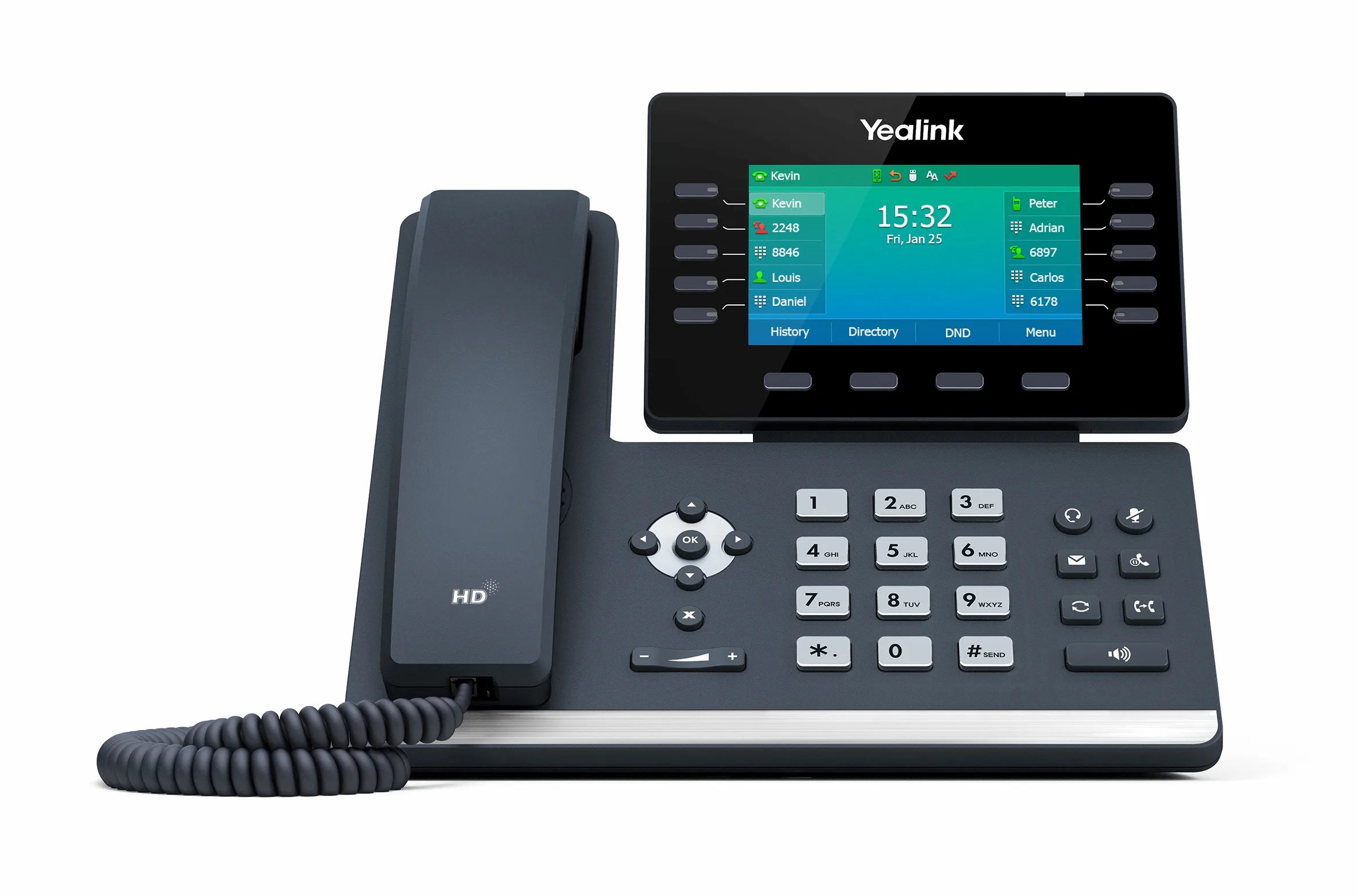
Meet your new desk companionYealink SIP-T54W business desk phone with adjustable colour screen and corded handset
Yealink SIP-T54WWi-Fi · Bluetooth · Gigabit Ethernet

Two phones. One account.Choose the hardware that suits your desk.

Configured before dispatchStaff configuration and bench-test workflow.

$10 CAD delivery per orderEquipment prices below exclude tax.

Choose your handset

A better place for
your next conversation.

Compare two Wi-Fi desk phones. Request your equipment through the dashboard; staff confirms stock and your final quote before payment.

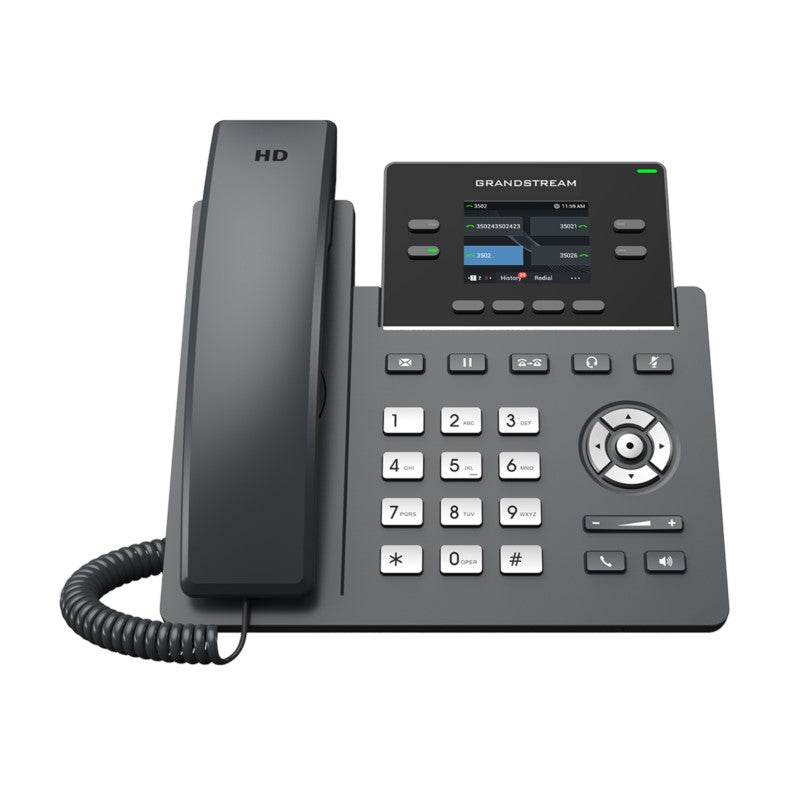
02 / THE COMPACT DESKGrandstream GRP2612W desk phone with colour display and handset

Grandstream GRP2612W

Compact colour-screen desk phone with Wi-Fi and Power over Ethernet.

$95.45 CAD · equipment only

  • Phone and corded handset
  • Desk stand
  • Standard network cable
  • Manufacturer power adapter

Power: Manufacturer power adapter included; Power over Ethernet is also supported.

Choose Grandstream GRP2612W

All prices are CAD. Tax is extra; $10 delivery applies per order. Availability and final pricing are confirmed in your quote. Hardware purchase does not include a phone number, ongoing service or usage charges.

Finish your setup

The right connections.
Nothing overlooked.

A standard network cable comes with either phone. Add only what your desk needs.

Yealink PSU2 5V / 2A power adapter

Required for the T54W when a powered PoE network port is unavailable.

$25.29 CAD

Extra 7-foot Cat6 Ethernet cable

Optional longer/spare wired connection. A standard network cable is already included with the phone.

$6.89 CAD

Yealink YHS34 Mono wired headset

Optional mono headset for the T54W; staff verifies the included connection cable before sourcing.

$56.35 CAD

From your account to your desk

A clear path to calling.

Read the ordering guide →
  1. 01

    Request your quote

    Choose your phone, accessories and delivery address in Phone Dashboard → Desk Phones.

  2. 02

    Review and pay

    Staff confirms stock and the final quote. Secure checkout becomes available when payment and tax setup is enabled.

  3. 03

    Configure and test

    Staff assigns your phone to the account and records configuration and bench checks before dispatch.

  4. 04

    Deliver and activate

    Track your shipment, connect at your desk and complete any remaining location and activation checks.

Straight answers

Desk phones,
explained.

Help with your next step.

Visit the support centre →
What is an OfficeSpaces desk phone?

A desk phone is a physical SIP handset that can connect to your OfficeSpaces business number. Phone Dashboard provides device records, extensions and routing controls. Calling requires administrator activation and provider configuration.

Which desk phones can I order?

The catalogue lists the Yealink SIP-T54W and Grandstream GRP2612W. Staff confirm supplier stock, current pricing and the final quote before payment. Both models require configuration and real-device checks before use.

Does the phone include a power adapter?

The Grandstream GRP2612W includes its manufacturer power adapter. The Yealink SIP-T54W needs a compatible adapter unless a suitable powered Power over Ethernet (PoE) port is available. Both models include a standard network cable.

How much is delivery and is phone service included?

Canadian delivery is $10 CAD per order. Equipment is a one-time purchase; applicable tax is extra, and ongoing phone service, internet and usage are separate. Staff confirm the final quote before you choose to pay.

How do I order and pay for a desk phone?

Sign in, open Phone Dashboard → Desk Phones and choose a model, quantity and accessories. Enter a Canadian delivery address and request a quote. Review the staff-confirmed quote in My orders and pay through secure checkout when payment and tax setup are enabled. Requesting a quote does not charge your card.

Can I use my existing SIP phone?

An existing SIP handset may be suitable, but compatibility depends on its model, firmware and secure connection settings. Contact OfficeSpaces with the exact model before buying or moving a phone. Administrator provisioning and physical-device testing are required.

Can my desk phone and browser receive calls on the same business number?

Call Routing supports ready desk phones and the account’s configured browser destination. Review the selected business line, ring group, business hours and fallback route. Browser calling also requires its calling configuration and permission to receive calls.

What happens before a phone is shipped?

Staff confirm the order, configure the device and record its serial number and bench tests before shipping. My orders displays fulfillment status and available tracking. Final connectivity and emergency calling must be checked at the actual handset location after delivery.

What emergency location should I use?

Use the actual physical location of the desk phone, which can differ from your virtual-office address. An administrator must configure and verify emergency calling before external outbound calling is enabled. Recheck setup after moving the handset or changing its business line.
Make room for a better conversation

Find your phone.
We’ll help with the setup.

Open Desk Phones Ordering & setup support →